Thursday, May 10, 2012

Recent loot

Untitled Untitled

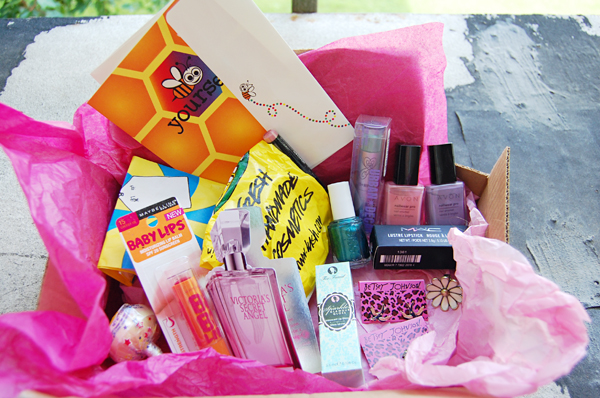
In yesterday's Wardrobe Wednesday I showed off a new pair of Betsey Johnson earrings and Mac lipstick I had won in a fabulous giveaway from Jess Buckley's blog. I received the package early Monday morning and I was beyond ecstatic to open it. Inside was the sweetest note and a never ending supply of goodies. To top it all off she said I could pick a piece of her artwork :] Wowza. I am so thankful to have won and that is why I felt the need to show it off. Thank you so much Jess!! I haven't tried any of these products before and I am so excited to have the opportunity to test them out. *Does a happy dance.

dorothy perkins

I know Thursdays on my blog are typically devoted to my thrifted finds, but with all my things packed up in boxes I was unable to shoot any of my recent thrifted treasures. I did however go on a wee bit of a shopping spree this week. I had saved my birthday money hoping for a wicked sale to buy some new dresses and I finally found one on Dorothy Perkins' website. I had been cruising blogs and one of my blogger friends had a cute dress on from Dorothy Perkins. I checked the site out and fell in love. Cute clothes that I could afford. Wahoo! I won't be buying anything else for AWHILE - but hey, it was my birthday money so I don't feel as guilty. I can't wait to style them all.

1. Cream and Coral Mesh Dress | 2. Black bow neck detail dress
3. Navy horse print tunic | 4. Cream heart belted dess


I am off to finish up packing. Hope you have a wonderful day!

Have you won a giveaway recently or bought anything wonderful?

Wednesday, May 9, 2012

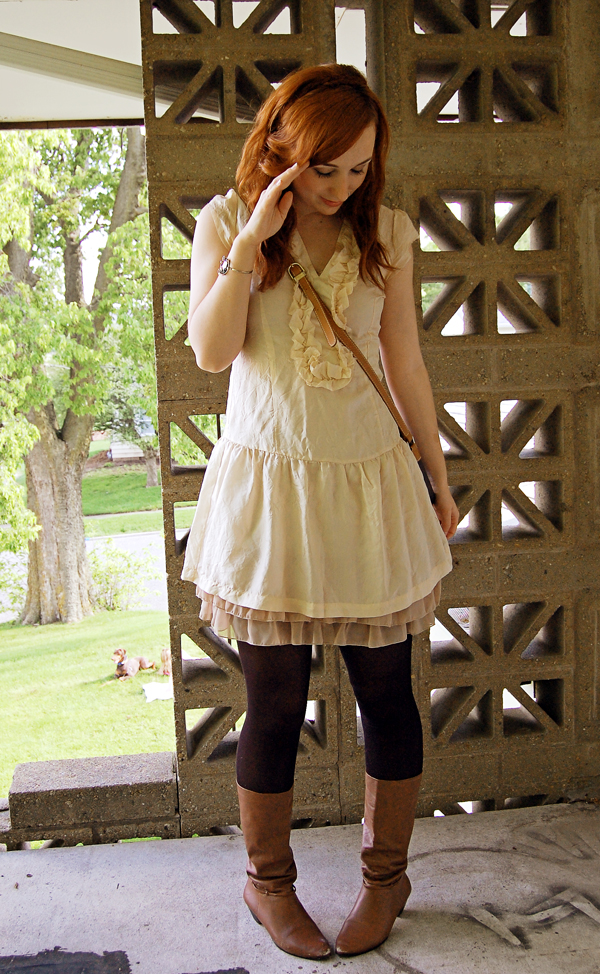
Wardrobe Wednesdays - Beige & brown

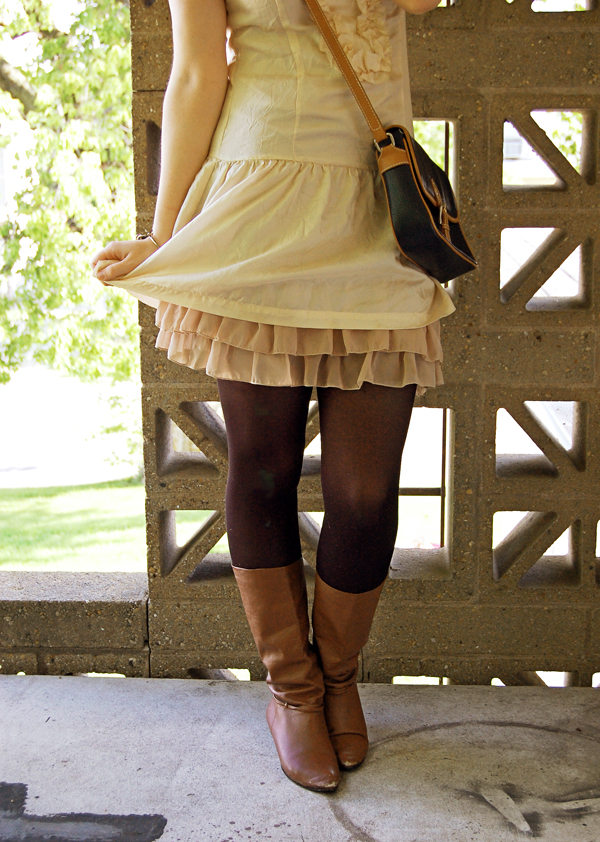
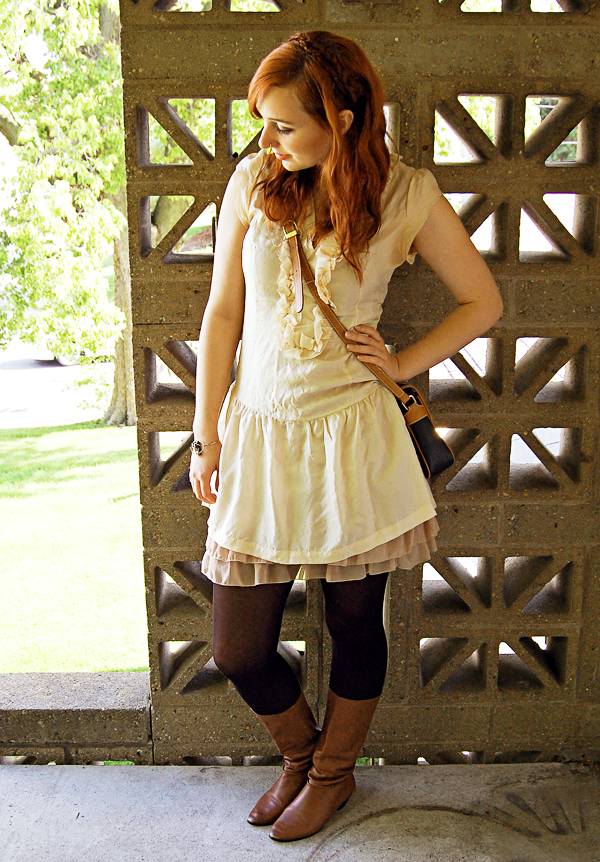
The majority of my things have been packed up and carted off for the move, meaning my closet at the apartment is pretty slim pickings. I am alright with that though because it forces me to try new things with pieces I may have only worn once or twice. This cream dress is one that I have only worn on one other occasion - basically because I never know what to wear with it. Thankfully I still had my moms brown boots and took it from from there. My boyfriend was also kind enough to take these photos for me :]

Untitled Untitled Untitled

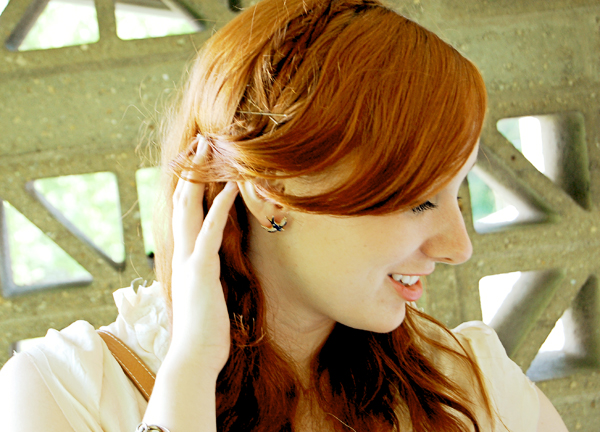
Like my new Betsey Johnson earrings? I won them in an incredible giveaway from Jess Buckley's blog. I am also wearing the MAC lipstick from the giveaway. I will have to show off the rest of the goods tomorrow.

Untitled Untitled

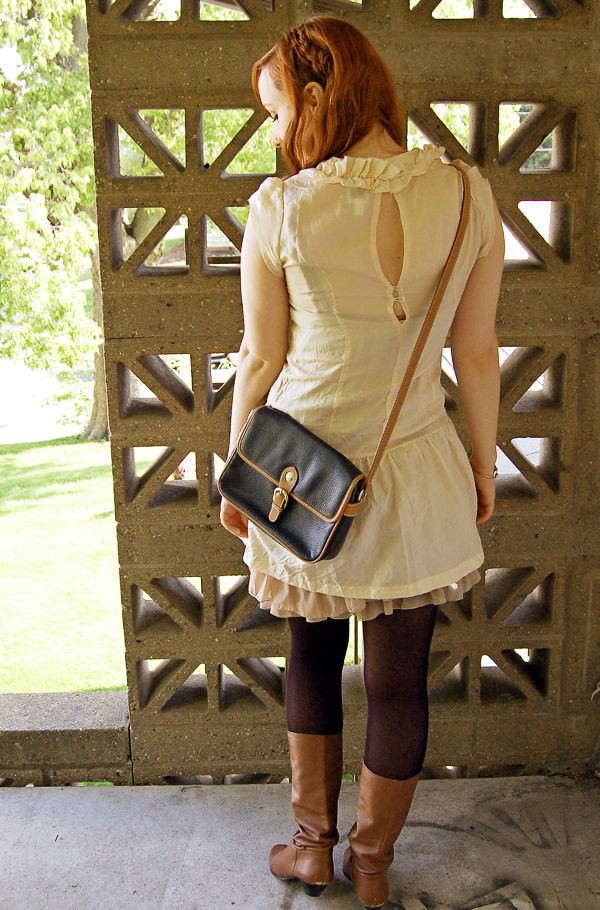
I also tried adding some braids in my hair. I like the look but I only had 4 bobby pins to work with - oh the joys of moving. I wore this look out to dinner with Brian last night to celebrate his last class! He graduates on Saturday.

Outfit Details: Dress - Kimichi Blue, Urban Outfitters | Tights - Target | Boots - Thrifted/moms | Bag - thrifted | Earrings - Betsey Johnson via Jess Buckley | Bracelet - gift from my gramma.

Hope you all are having a great day!

Tuesday, May 8, 2012

Blog Design 101 - Resizing Images

Untitled

Hi all! This is the second installation of Blog Design 101 where I give mini design tutorials to help you spiffy up your blog. Last week we covered links - what they are and how to write them in different formats. This week I plan to give you a powerful and easy trick when it comes to resizing images.

TODAY I AM GOING TO COVER:
How to adjust the size of your images proportionally so that they can neatly align on your page.

When I asked for some design questions a few of you wanted to learn how to make images all the same width so that they align cleanly on your sidebar, posts, etc. Additionally, some asked to learn how to proportionally resize images - especially when it comes to buttons. Easy enough. Both go hand in hand!

To start out with
A basic image html tag is as follows:


-----------------------------------------------------------------------------------------------------------------------

TO RESIZE YOUR IMAGE
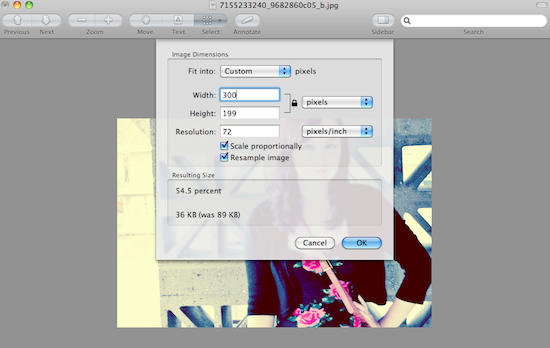
First you need to figure out what size the original photo is in pixels. You can do this by viewing the image in a photo editing program and looking at the photo's information (for example - mac users open in preview > tools> adjust size > pixels).

uploadme

Once you know the original size of the image you uploaded (^ the above image is 550x365), determine the size you want the image to be either in width or in height. For this example - I want the image to be resized to 300 pixels in width. I then use the program I opened the original photo in to adjust the proportions. Typing in 300 pixels wide should automatically resize the image to it's proportional height. If you are great at math - by all means do the calculations yourself - I just find doing this way easier for me.

Untitled

In this case it was a 54.5% image reduction making the height 199 pixels. Take the new size adjustments and simply paste them in to the following code.

uploadme

PROPORTIONAL IMAGE RESIZE:


EXAMPLE:


With this code you can now resize images so that they all are the same widths and align properly in your posts. This code is also extremely useful when you need to resize a button to fit the width of a friends sidebar and don't have the time to redesign a new one.

-----------------------------------------------------------------------------------------------------------------------

If you need further help or clarification please let me know and I will be happy to answer them in the comments section. Also - if you have any other design questions you would like answered in future posts please let me know. Have a great Tuesday everyone!!

Monday, May 7, 2012

Most Wanted (Mother's)day

Hi all! Hope you had a beautiful weekend. Mine was spent with friends as it was my last official weekend before moving back home - eeep! Real world - here I come!! Anywho, when coming up with a Most Wanted Mondays list I realized that Mother's Day is in exactly one week - double eep! So in order to get myself in to gear for the big day I thought I would create a list of possibilities for all of you. Some of the items I have chosen are DIY projects and others are items which can still be purchased. Enjoy. Your mama deserves only the best :]

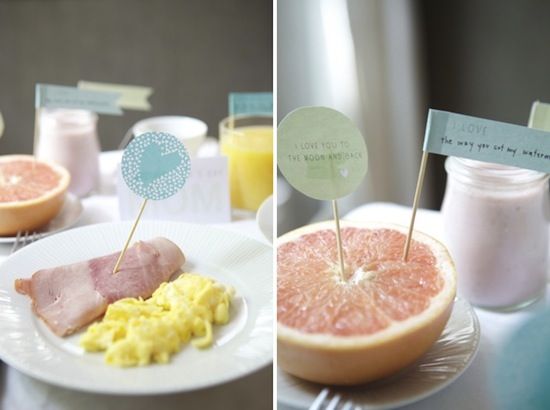
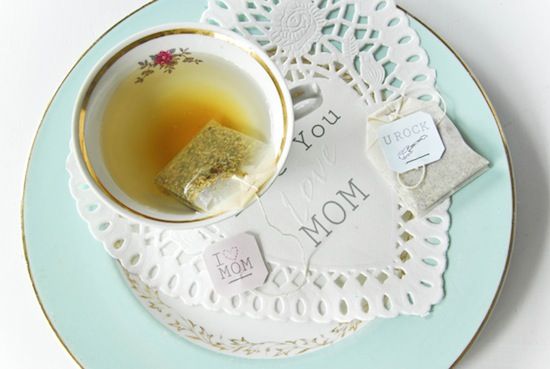
Start her day off right with breakfast in bed

1. Mother's Day Breakfast & Free Printables via Oh Happy Day.
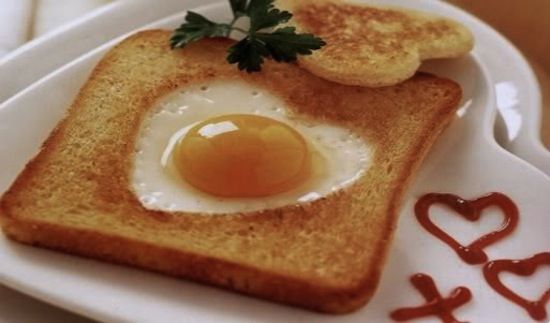
2. Heart Shaped Egg Toast via Get Cooking.

3. Fun & Free Printables via Too Stinkin Cute.

Flowers next?

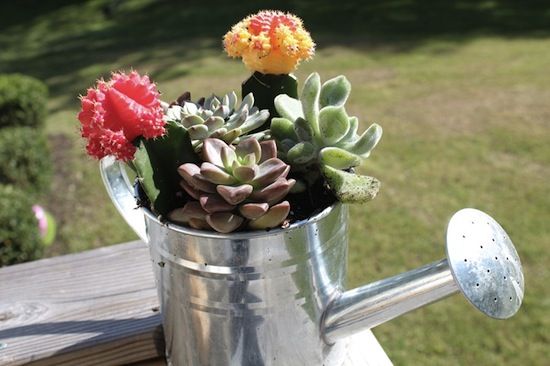
4. Succulents in Watering Can via AdelynSTONE.

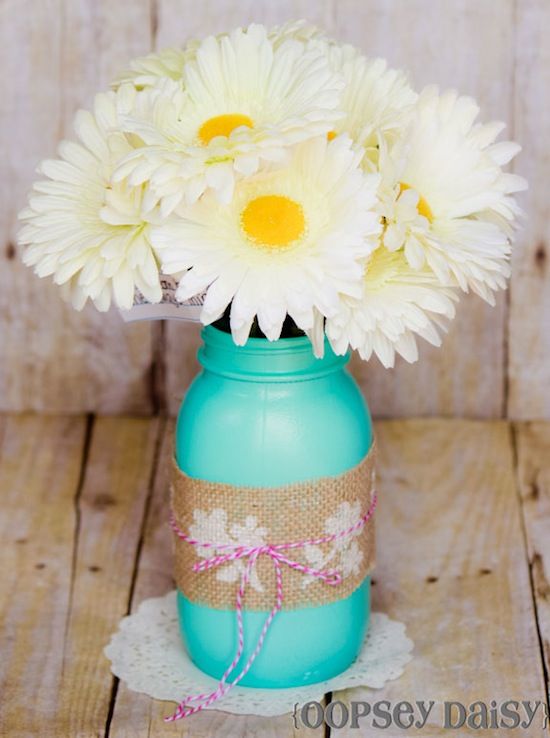
5. Stenciled Mason Jar Vase via Oopsey Daisy.

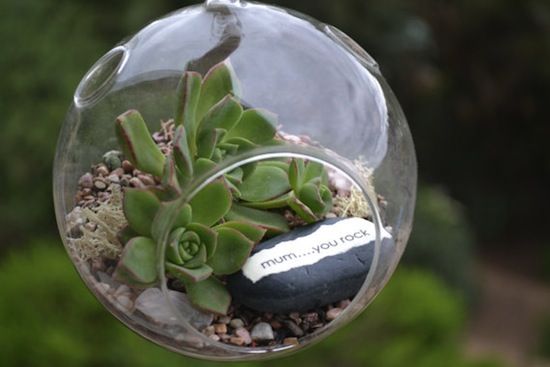
6. Mum You Rock Succulent Terrarium via Still Lily.

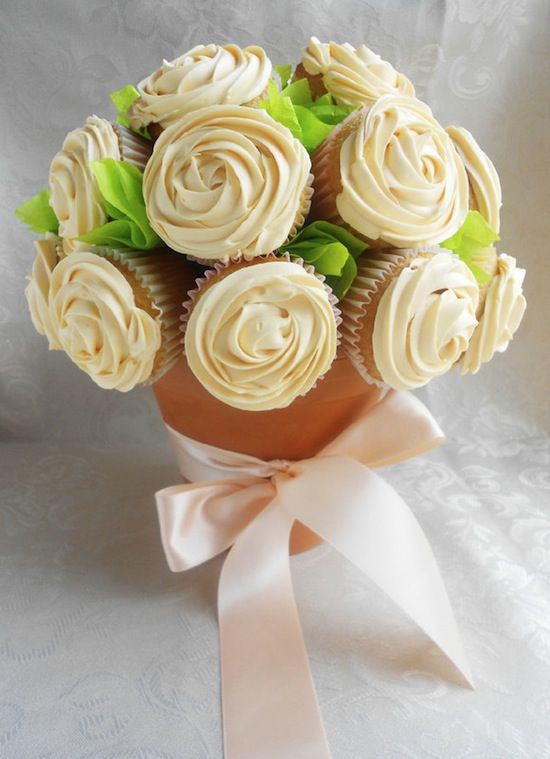
7. Cupcake Bouquet via Culinary Couture.

Prezzie time!

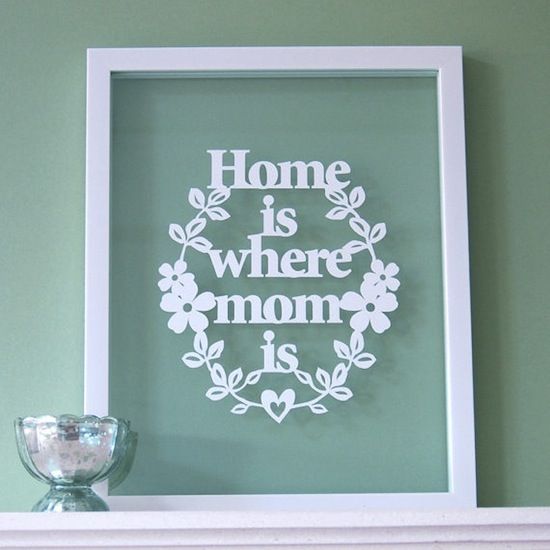
8. Home is Where Mom is via Ant Design.

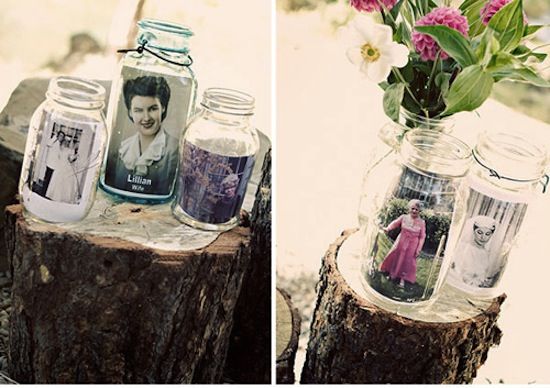
9. Mason Jar Photos via Ruffled Blog.

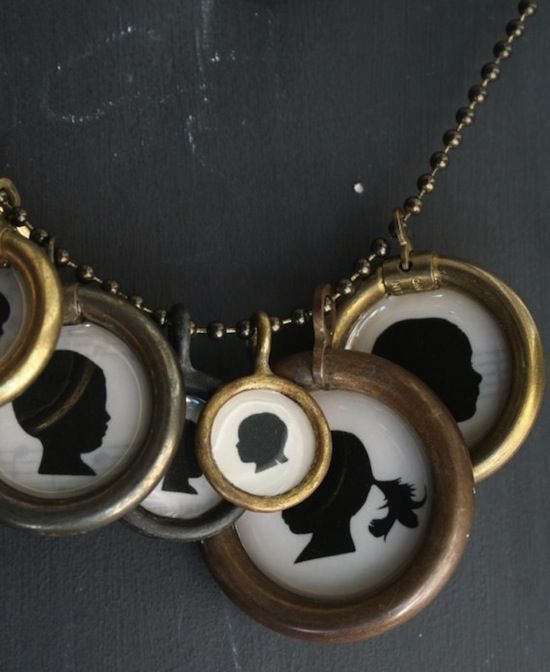
10. Custom Silhouette Necklace Medium Size via Lucky Me Beads.
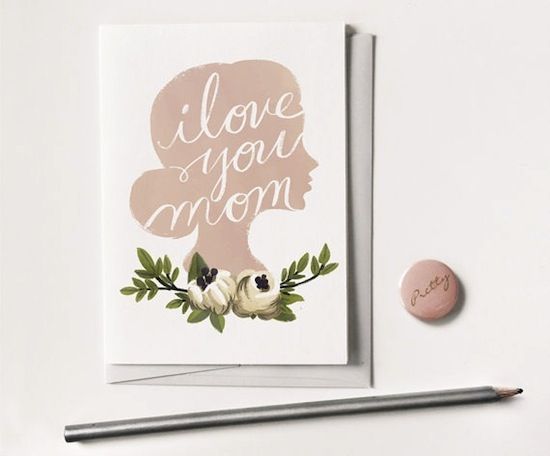
11. I Love You Mother's Day Card via Quill and Fox.

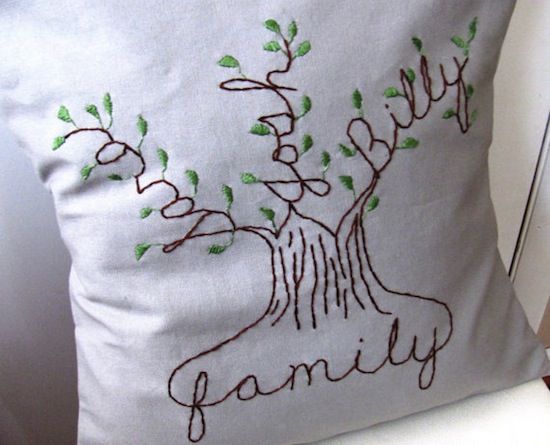
12. Personalized Family Tree Pillow via Blue Leaf Botique.
All of the items posted above I feel could be easily recreated by hand and personalized...if not bought. I need to get to work on my mom's Mother's Day goodies pronto. This upcoming weekend is going to be hectic with moving, Brian's graduation, and Mother's Day. Have a great day everyone! Any special plans for your momma next Sunday?

Friday, May 4, 2012

Happy (almost) cinco de mayo

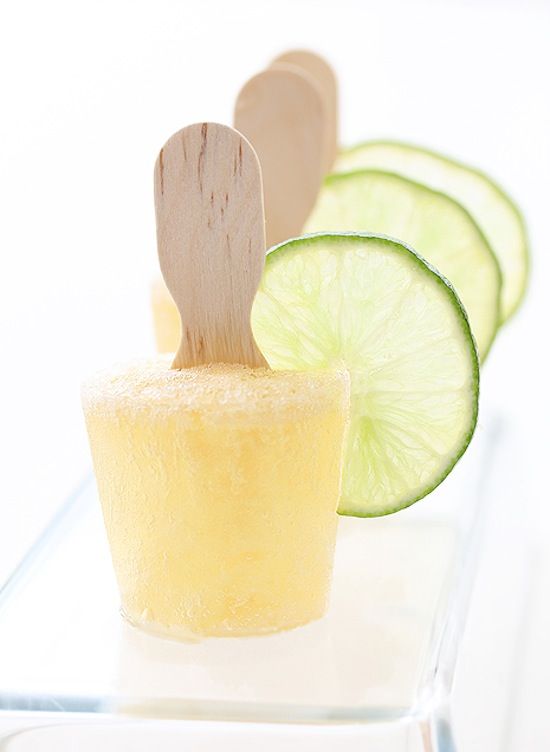
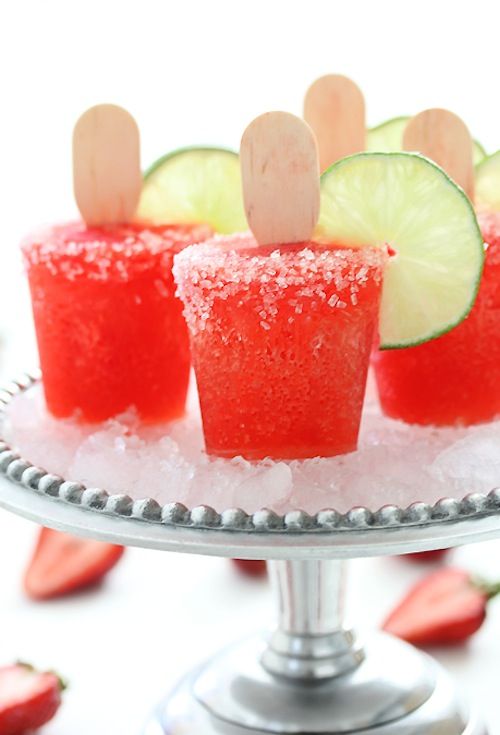
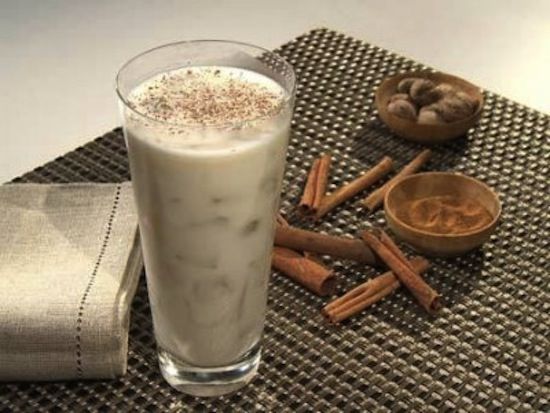
Alright, obviously it is not the fifth of May...yet. In case you wanted to throw a last minute Cinco De Mayo party or were invited to one and don't know what to bring here are some suggestions! Below is a list of fun ideas and mainly recipes from around the web for the big day. *I tried to pick vegetarian and vegan friendly options.


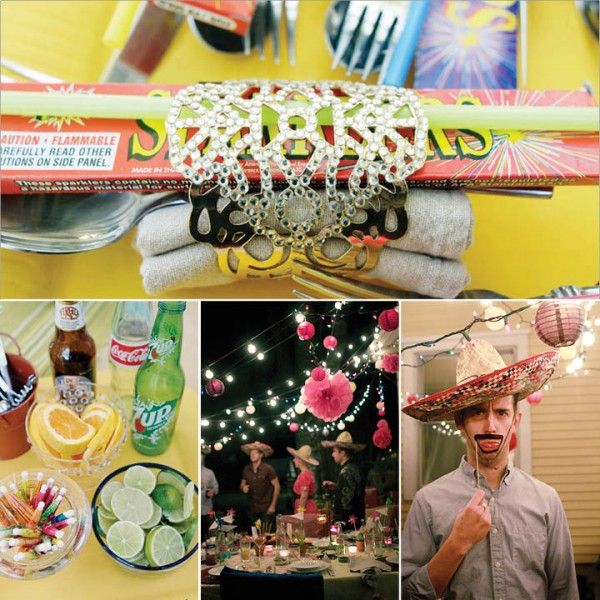
Festive Buenos Noches Adult Party via HWTM daily blog.


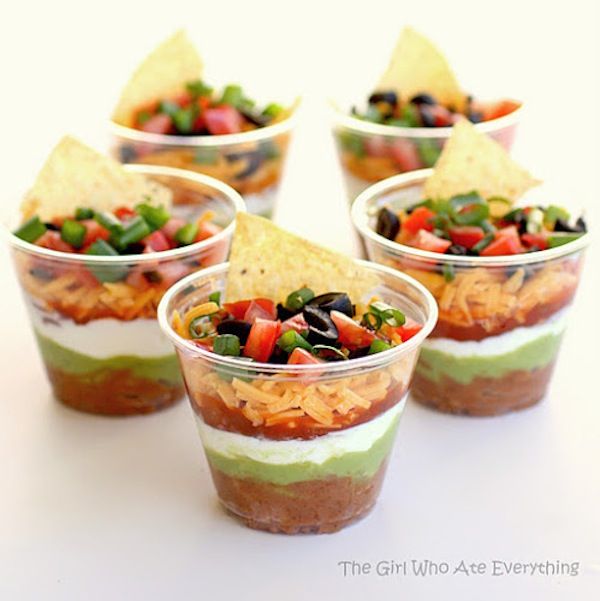
Individual Seven Layer Dips via The Girl Who Ate Everything Blog.


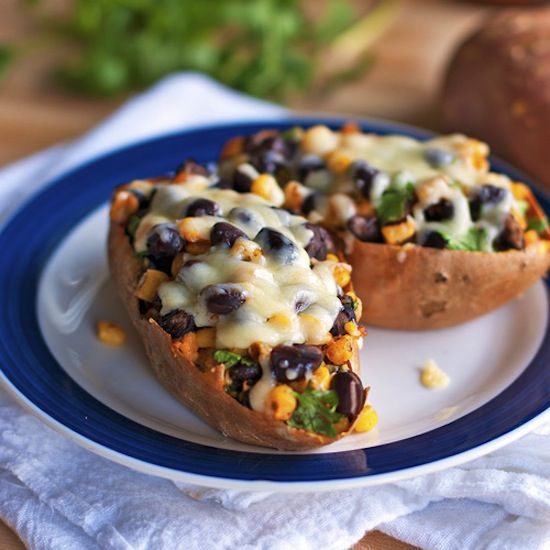
Healthy Mexican Sweet Potato Skins via Pinch of Yum.


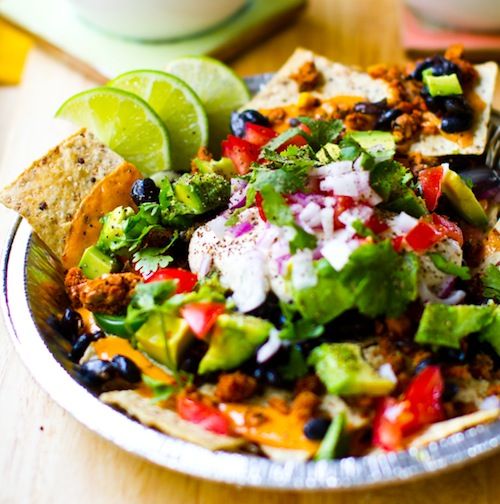
Vegan Nachos via Healthy. Happy. Life.


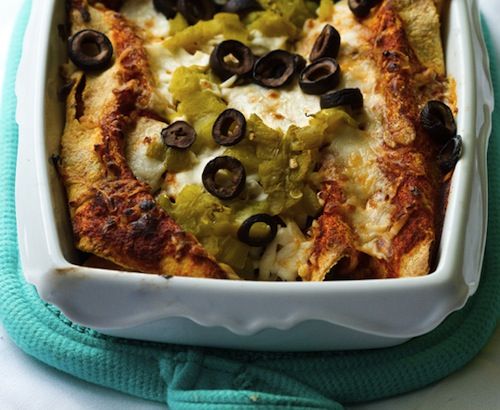
Vegan Enchiladas via The Family Kitchen at Babble Blog.


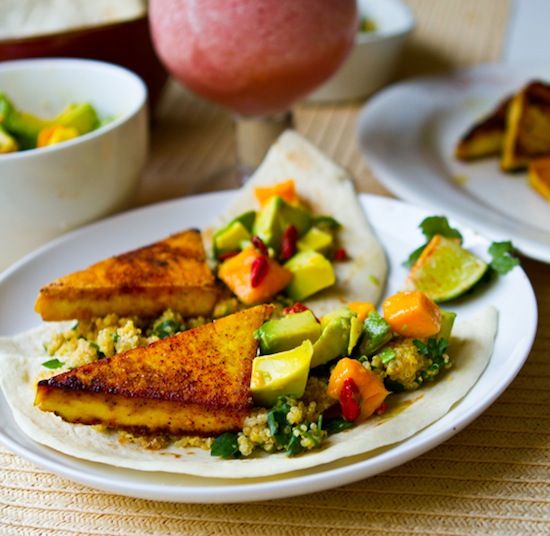
Chipotle Citrus Superfood Vegan Tacos via Healthy. Happy. Life.


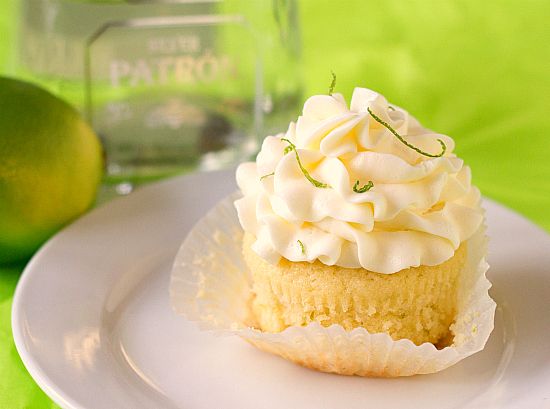
Margarita Cupcakes via Brown Eyed Baker.


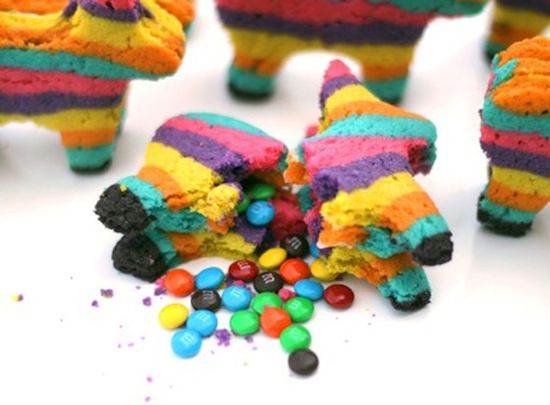
Cinco De Mayo Pinata Cookies via She Knows.


Corona Beer Popsicles via Bakers Royale.


Strawberry Margarita Popsicles via Bakers Royale.


Rumchata recipe via Step By Step or buy it already made.

Whether you decide to celebrate or not - have a fun and safe weekend everyone!

**All images are from the sources provided - click each link below for more info.

Thursday, May 3, 2012

New face of shyscout

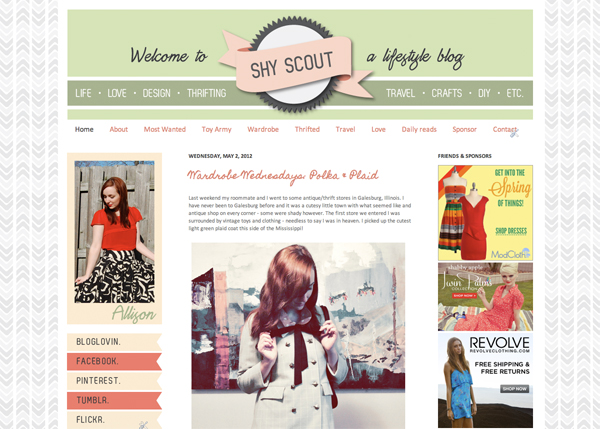
If you haven't noticed...ShyScout had a facelift/total makeover last night. I have been working on the layout for the past week and a half and finally like where it is at. I considered not using the cat/dog illustration in the header but he was just too cute!!

ShyScout Layout #2

I felt like the old ShyScout layout was becoming too cluttered and busy which detracted from the posts. I hope the cleaner look will help solve those problems.

Incase you forgot what the old layout looked like (or you are a new reader - in that case hello there!) here it is:

Original ShyScout layout

While I liked bits and pieces of it, it was time for a change. What do you think of the new layout? Anything you would like to see changed? I am open to constructive criticism. Is there anyway to add another column on google friend connect since they discontinued it? I also need to work on updating my buttons...but that is a project for another day.

I will have to put Thrifted Thursday on hold until I get my camera back. In the mean time I will work on some more thrifting, haha, you don't have to twist my arm!

Newer Older Home
Related Posts Plugin for WordPress, Blogger...